

Execution History
The Run Logs page shows all past automation executions across your organization.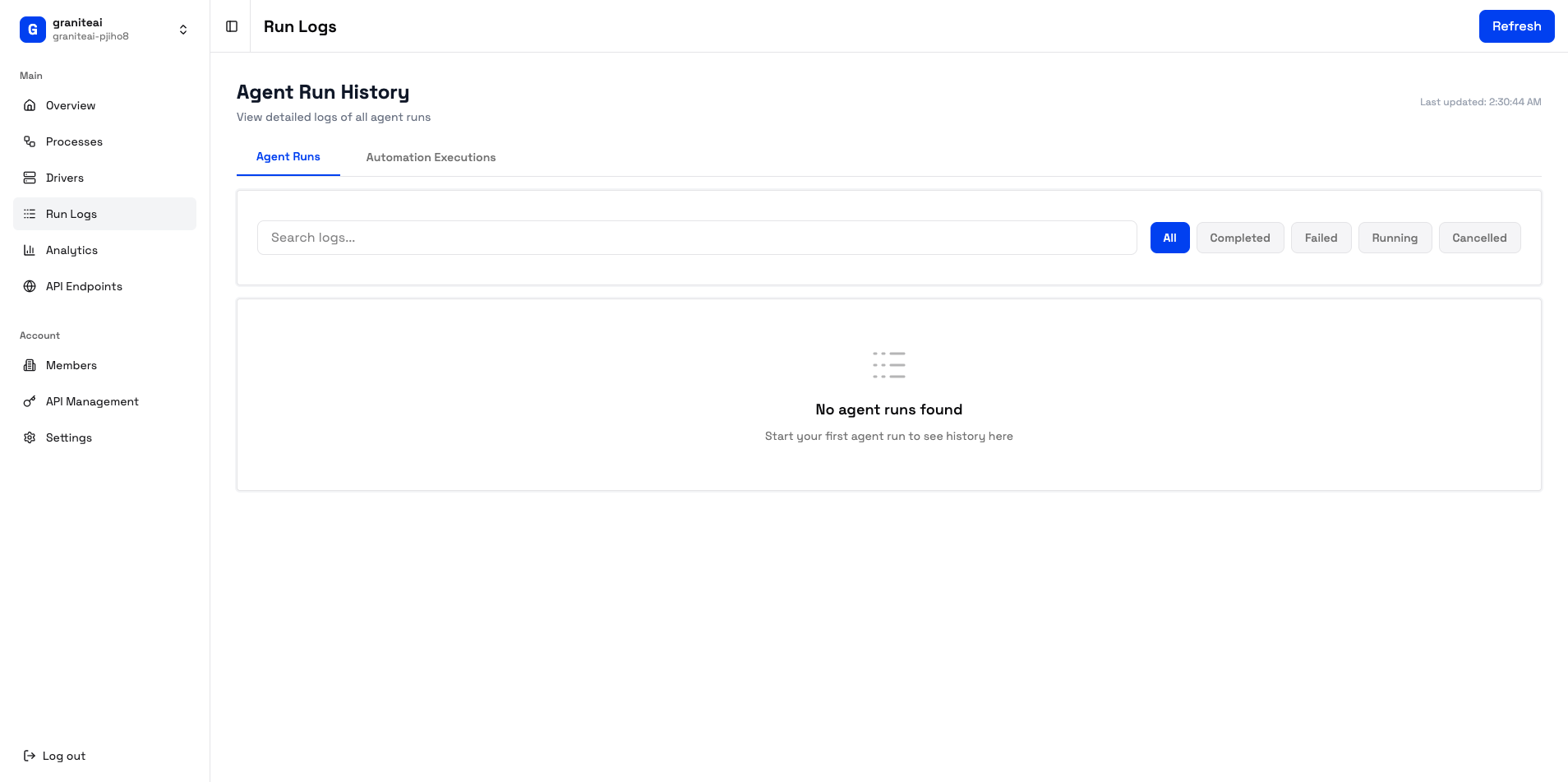
Filtering Logs
Narrow down your view with filters:Log List View
Each log entry shows:- Process name - Which automation ran
- Status badge - Success/Failed/Cancelled
- Duration - How long it took
- Timestamp - When it ran
- Driver - Which machine executed it
Viewing Run Details
Click any log entry to see full details:- Summary
- Timeline
- Screenshots
- Recording
- Execution status
- Total duration
- Number of actions
- Trigger type (manual, API, scheduled)
Status Types
Searching Logs
Use the search bar to find logs by:- Process name
- Error messages
- Action descriptions
Bulk Actions
Select multiple logs to:- Delete - Remove selected logs
- Export - Download as CSV/JSON
Re-running Failed Executions
From a failed execution’s detail page:- Review what went wrong
- Click Retry to run again
- Or Edit Process to fix the issue first
Log Retention
Logs are retained based on your plan:Screenshots and recordings may have different retention periods. Check your organization settings.
Exporting Logs
Export execution data for external analysis:- Select the logs you want (or all)
- Click Export
- Choose format: CSV or JSON
- Download the file
CSV Format
JSON Format
Debugging Failed Runs
When an execution fails:1
Check the Error Message
The timeline shows where the failure occurred and why
2
Review Screenshots
See the state of the desktop when the error happened
3
Watch the Recording
Sometimes seeing the full context reveals the issue
4
Check Driver Status
Was the driver machine having issues? Check Driver Management
Common Failure Patterns
Element not found
Element not found
The agent couldn’t locate a UI element. Possible causes:
- Application didn’t open in time
- UI changed since last run
- Element is behind a popup
Timeout
Timeout
The action took too long. Possible causes:
- Slow network
- Application not responding
- Machine overloaded
Connection lost
Connection lost
Lost contact with the driver. Possible causes:
- Network issue
- Driver crashed
- Machine rebooted
Next Steps
Analytics
See trends and patterns
Troubleshooting
Debug common issues